
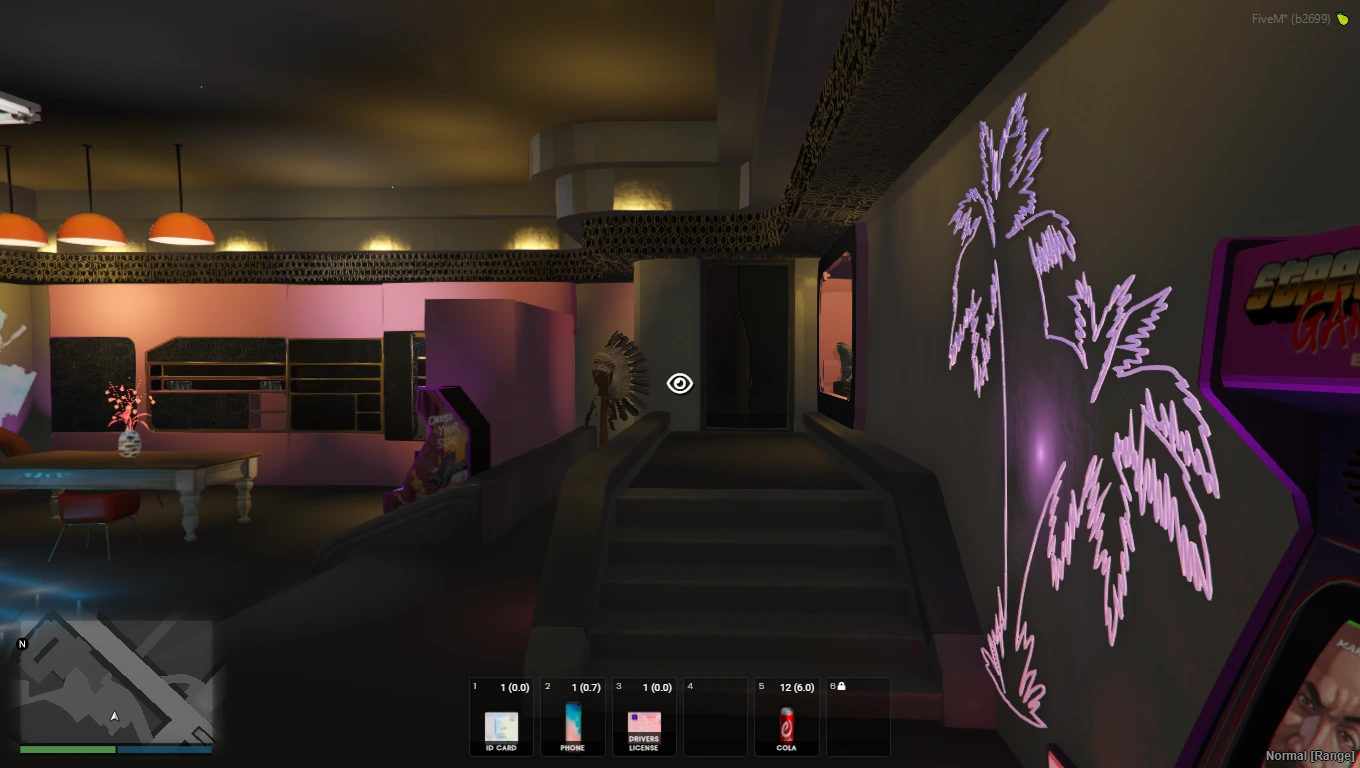
Cyberpunk Appartement MLO
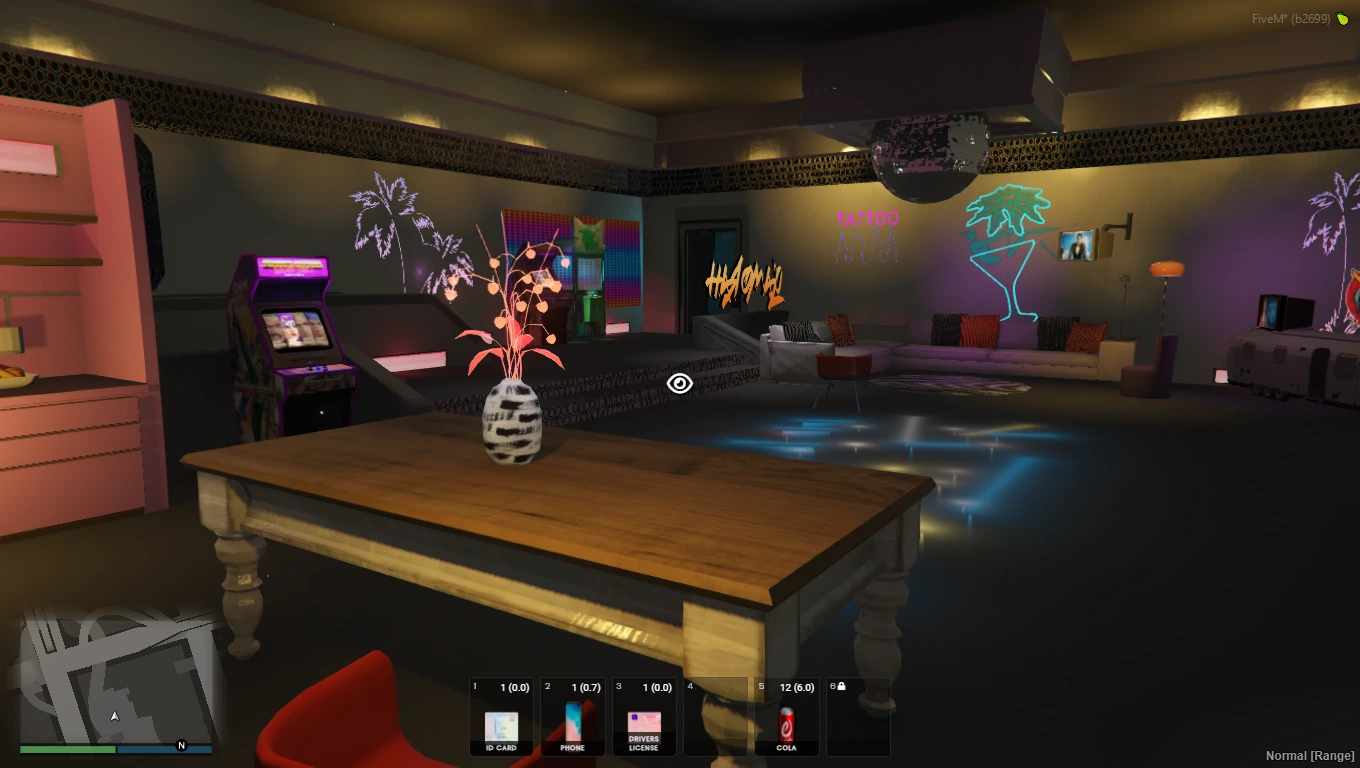
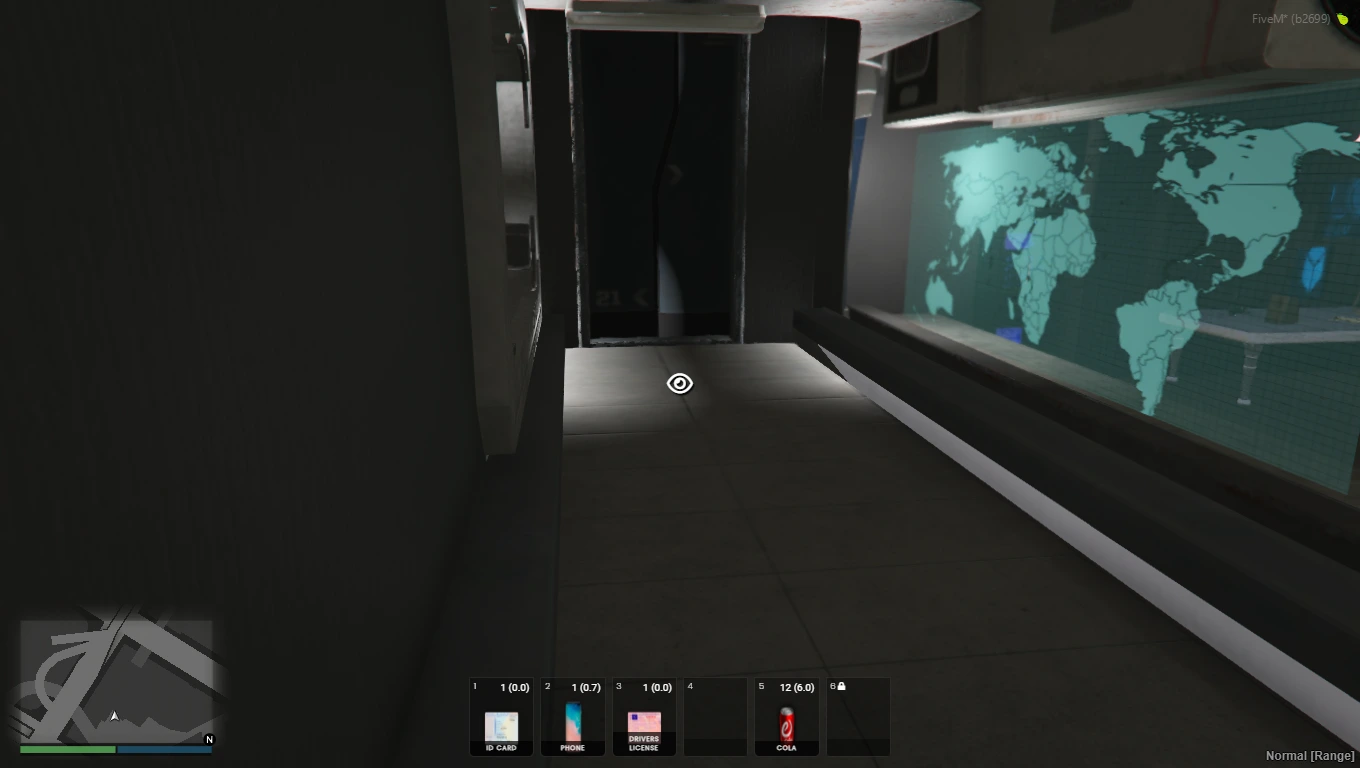
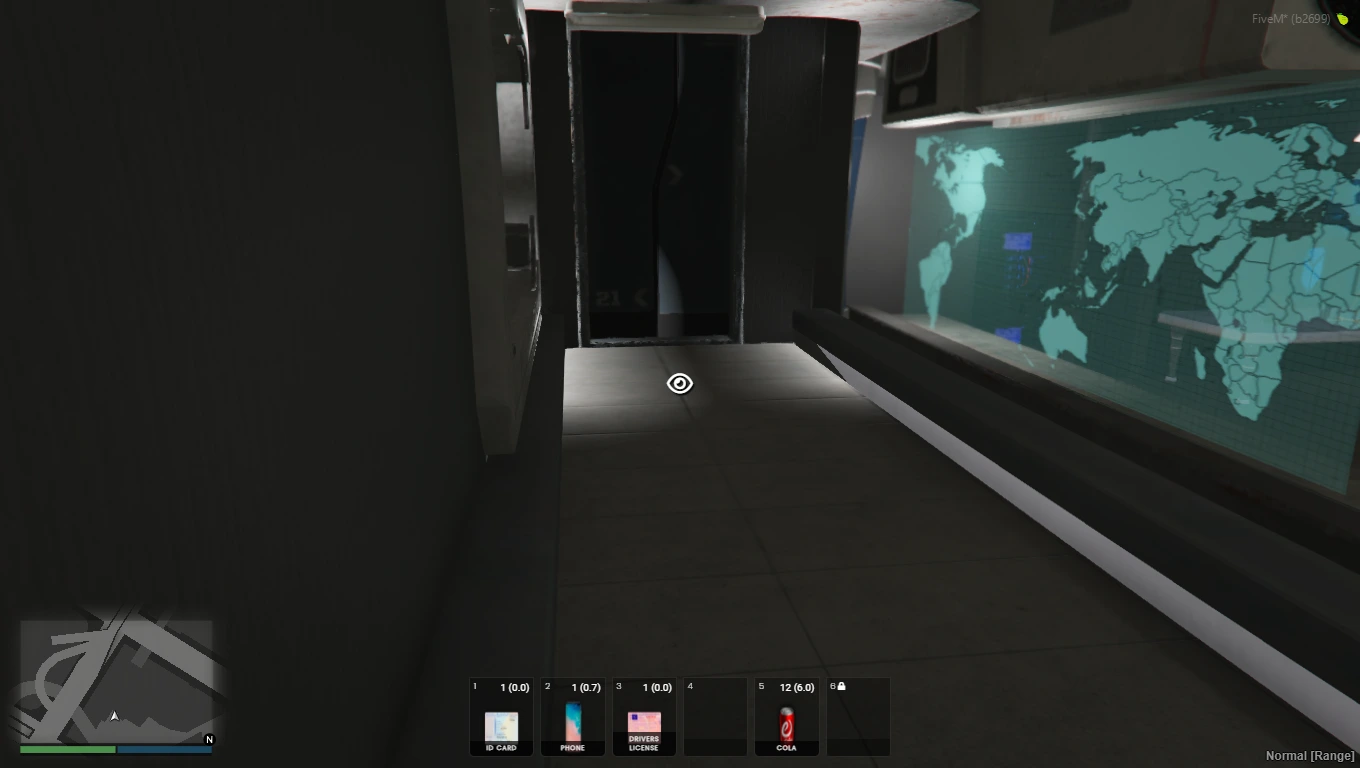
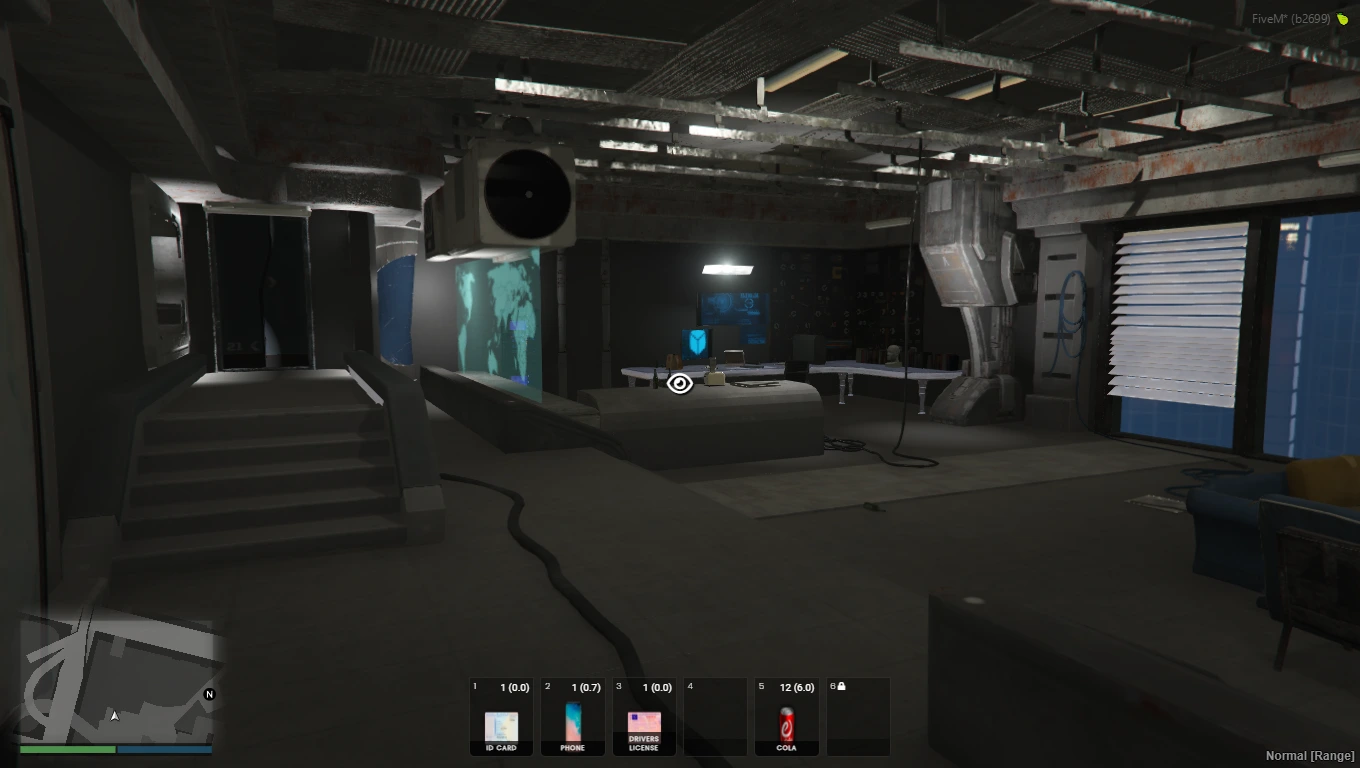
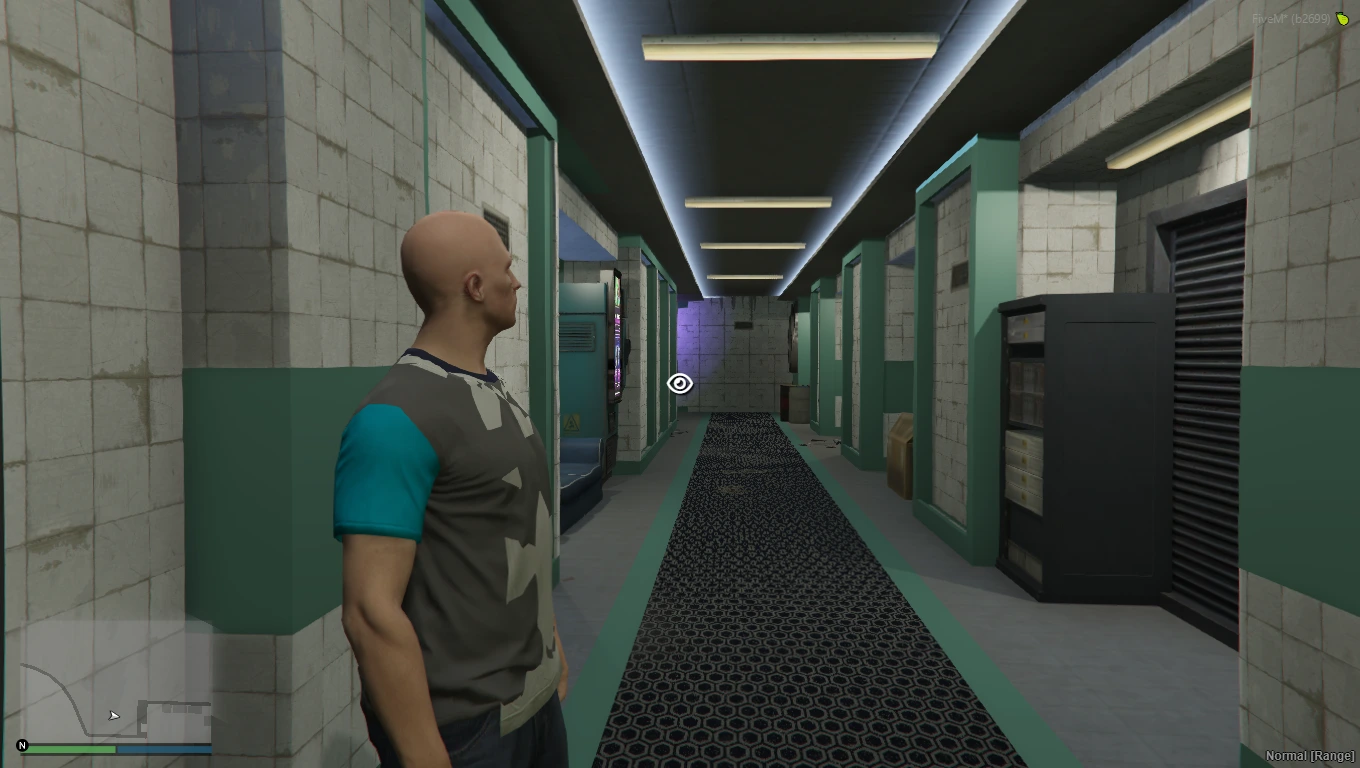
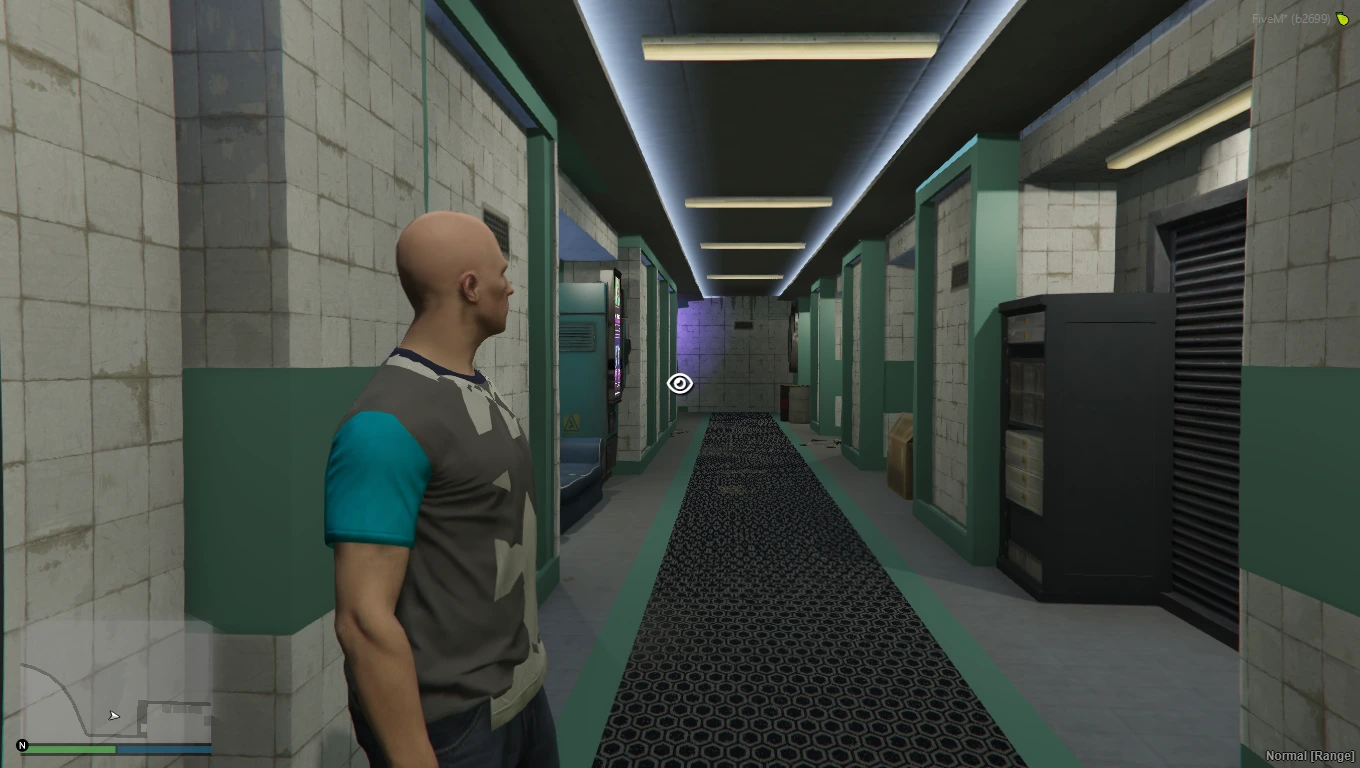
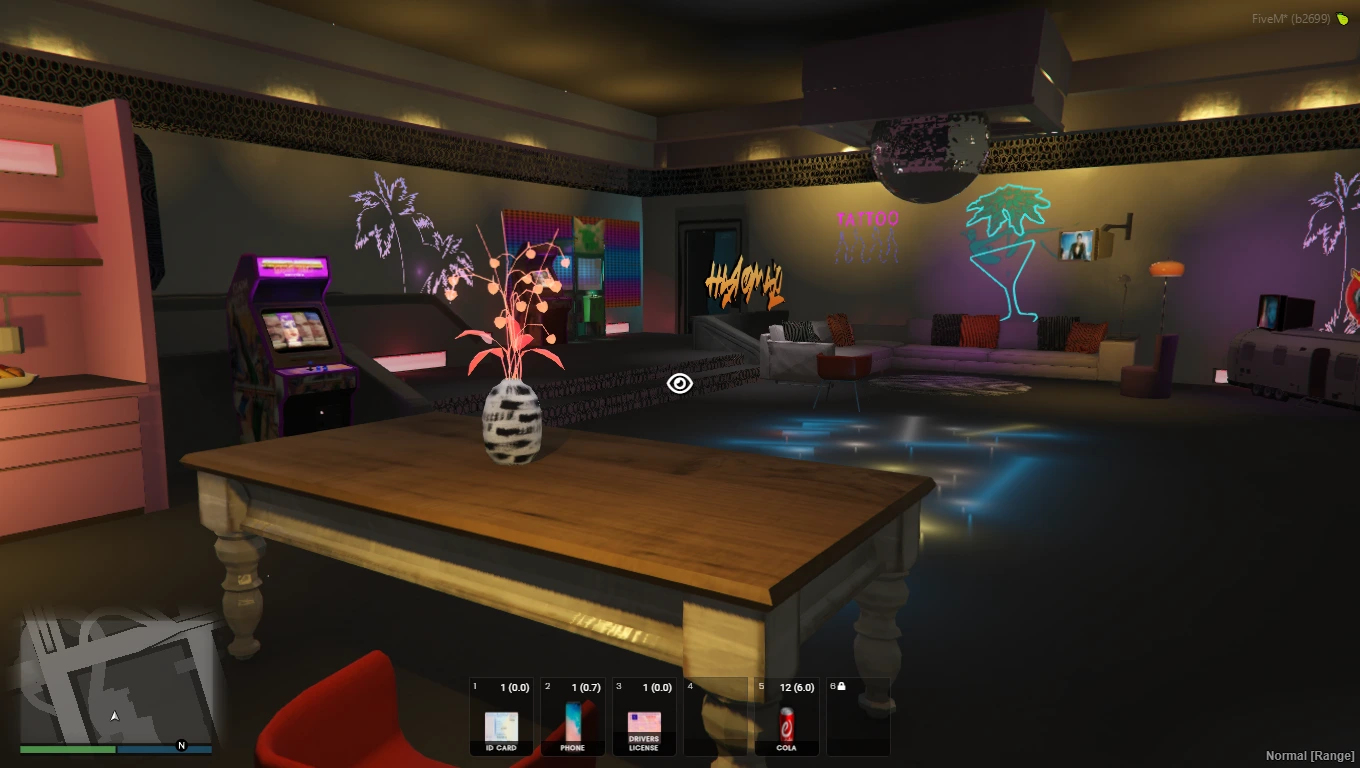
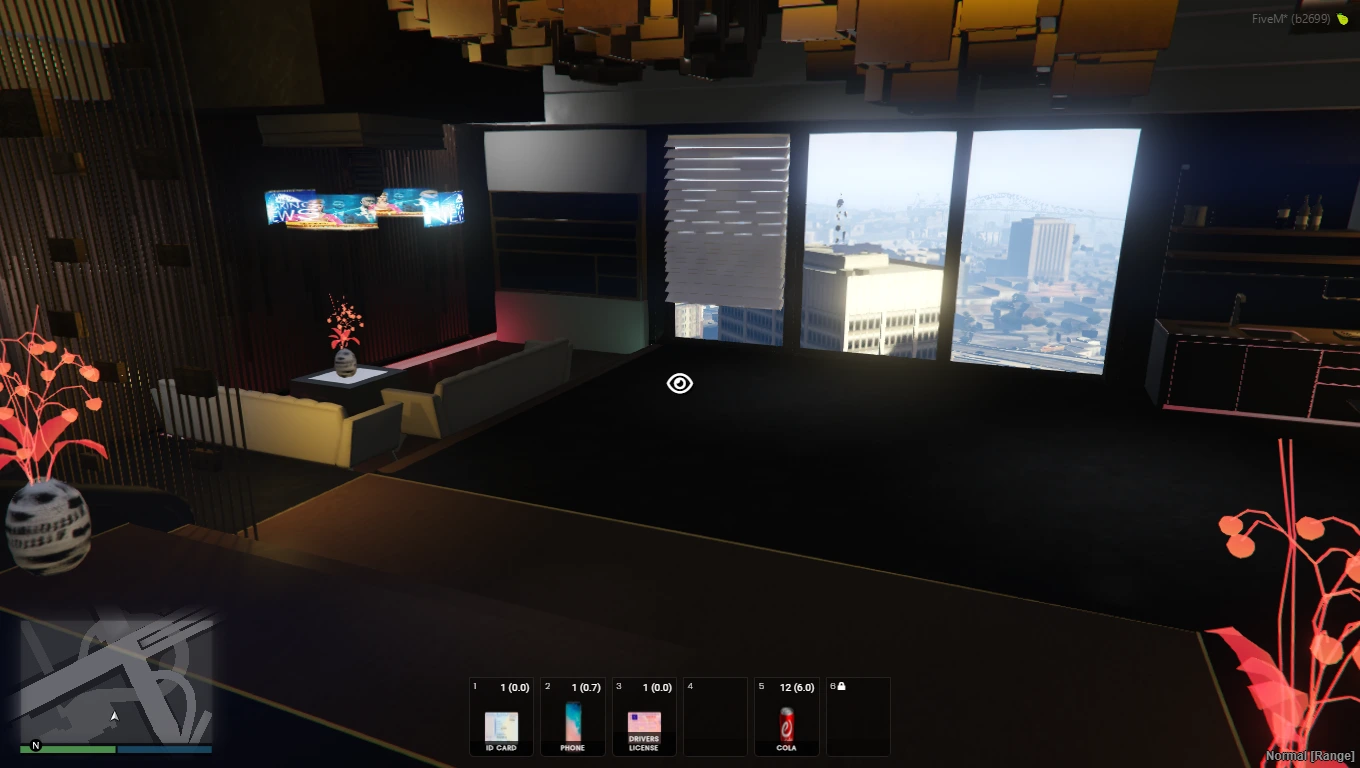
The Cyberpunk Appartement MLO mod brings the futuristic vibes of Cyberpunk into GTA V multiplayer. This mod meticulously recreates a stylish apartment with cyberpunk elements like neon lights, holographic displays, and futuristic furniture.
Players can immerse themselves in the dynamic environment, experiencing the allure of futuristic living or engaging in role-playing scenarios as residents of a cyberpunk world. The mod offers various features such as interactive terminals, customizable lighting, augmented reality interfaces, and immersive soundscapes, enhancing the immersion and realism of the cyberpunk apartment experience.
With its detailed design and authentic features, the Cyberpunk Appartement MLO mod provides players with a versatile platform for futuristic role-playing and multiplayer interactions. Installation is straightforward, allowing players to easily add the mod to their GTA V server and start living the cyberpunk lifestyle in their virtual apartment.
Features:
- Futuristic Apartment Setting: Experience the cyberpunk atmosphere in your GTA V multiplayer.
- Stylish Design: Neon lights, holographic displays, and futuristic furniture create a visually stunning environment.
- Interactive Elements: Enjoy interactive terminals, customizable lighting, and augmented reality interfaces.
- Immersive Soundscapes: Atmospheric audio enhances the cyberpunk experience.
- Versatile Usage: Perfect for futuristic role-playing and multiplayer interactions.
Benefits:
- Futuristic Living: Dive into the allure of cyberpunk lifestyle within GTA V.
- Role-Playing Opportunities: Act as residents of a cyberpunk world for engaging scenarios.
- Community Engagement: Provides a platform for multiplayer cyberpunk interactions.
- Enhanced Realism: Authentic features and design elements elevate the cyberpunk experience.
- Easy Integration: Simple to add to your server.
Installation Guide:
- Download Mod: Obtain the Cyberpunk Apartment MLO file.
- Backup Files: Create backups of your GTA V server files.
- Extract Files: Unzip the downloaded archive.
- Navigate Server Directory: Locate your server folder.
- Install Mod:
- Place extracted files into the server’s resources folder.
- Configure Server:
- Add the mod to your server settings.
- Restart Server: Apply changes by restarting the server.
Customer FAQs:
- Q: Can I customize the lighting in the apartment?
- A: Yes, the mod offers customizable lighting options for a personalized experience.
- Q: Are there interactive elements in the apartment?
- A: Absolutely! You can interact with terminals and augmented reality interfaces.
- Q: Can I role-play as a cyberpunk character in the apartment?
- A: Yes, you can immerse yourself in futuristic role-playing scenarios.
- Q: Is there background music in the apartment?
- A: Yes, immersive soundscapes enhance the cyberpunk atmosphere.
- Q: How do I install the mod on my GTA V server?
- A: Download the mod file, extract it, and place it in your server’s resources folder. Then restart your server.
Need Help?
Questions about this MLO? Contact FiveM MLOs support.
New to MLOs? Read our FiveM MLO install guide.


Reviews
There are no reviews yet.