
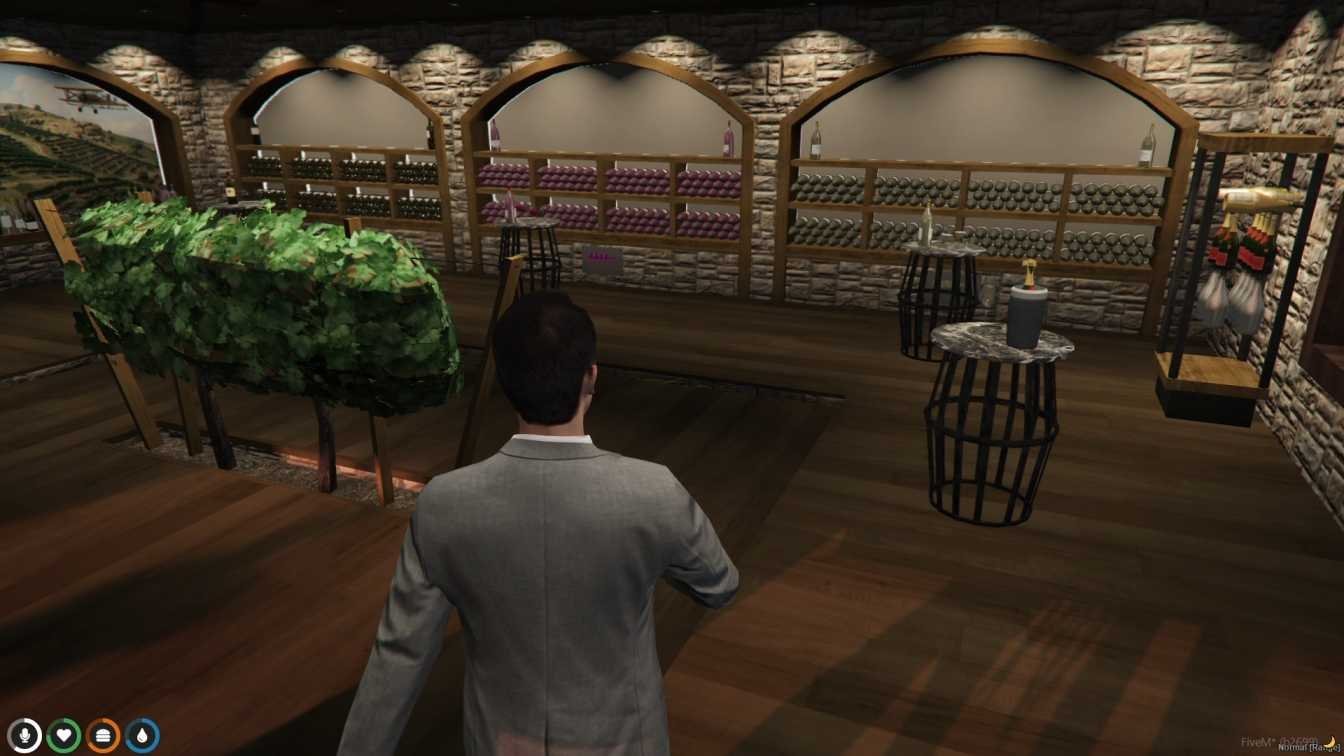
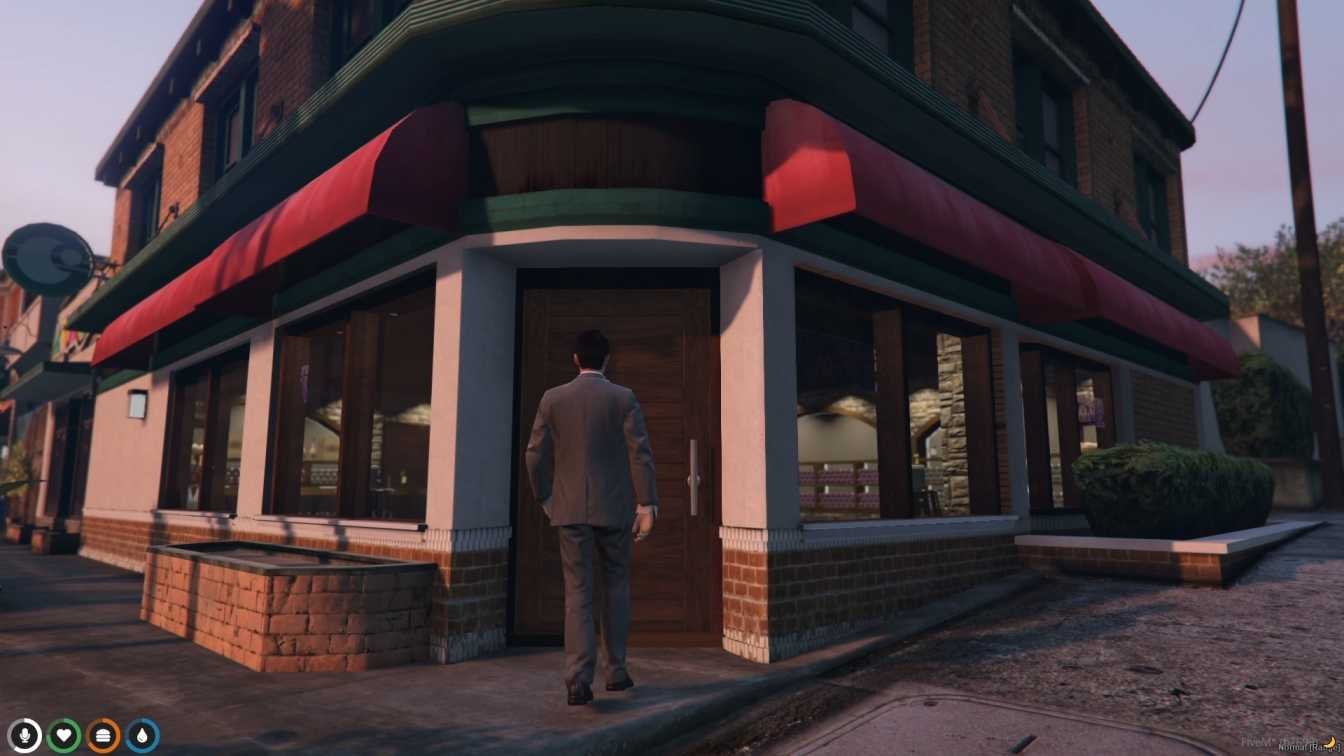

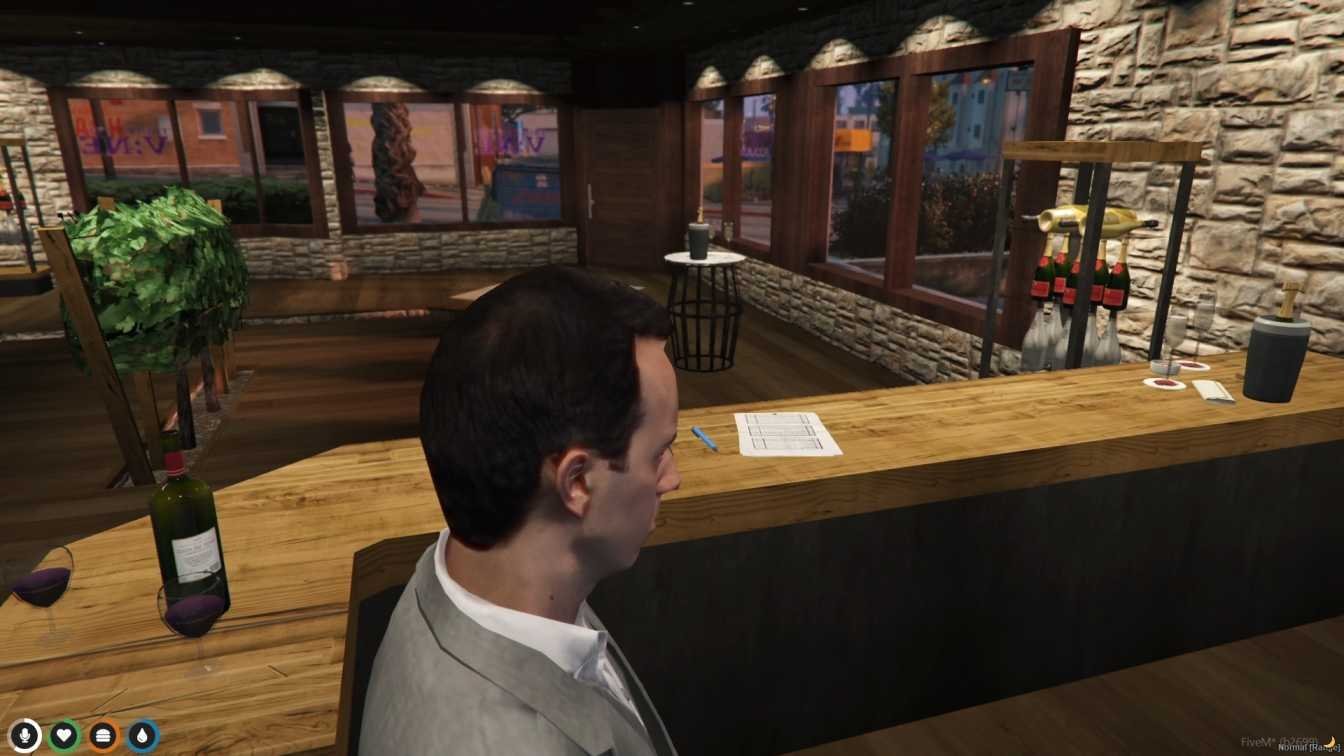
FiveM VineSale MLO
The VineSale MLO for FiveM introduces players to a sophisticated and modern real estate office, perfect for a variety of role-playing scenarios. This meticulously designed modification recreates the ambiance of a high-end property agency, complete with stylish interiors, private offices, meeting rooms, and a welcoming reception area. Players can immerse themselves in the world of real estate, whether they are buying, selling, or managing properties within the virtual environment.
Seamlessly integrated into FiveM, accessing the VineSale MLO is straightforward, ensuring a quick and hassle-free setup for server administrators. The office environment is ideal for role-playing as real estate agents, clients, or property managers, providing endless opportunities for creative storytelling and business simulations. The VineSale MLO enhances the depth and realism of the virtual world, offering players a dynamic and engaging space to conduct real estate transactions and negotiations.
Step into the world of high-end real estate with the VineSale MLO and experience the elegance and professionalism of a top-tier property agency within FiveM. Whether conducting business deals or exploring the luxurious office setting, players will find the VineSale MLO to be a valuable addition to their role-playing adventures.
Features:
- High-end real estate office with stylish interiors
- Private offices, meeting rooms, and reception area
- Ideal for real estate role-playing scenarios
- Runs on your FiveM server as a normal resource
Benefits:
- Provides a realistic setting for real estate transactions and role-playing
- Enhances immersion with detailed and elegant interiors
- Offers a professional environment for creative storytelling
- Simple setup for server owners
- Gives your players a new place to roleplay
Installation Guide:
- Download the VineSale MLO modification files.
- Extract the files to your FiveM server resources folder.
- Modify your server.cfg file to include the VineSale MLO resource.
- Restart your FiveM server.
- Launch FiveM and join your server to access the real estate office.
Customer FAQs:
- How do I find the VineSale office in FiveM?
- Join a server that has the modification installed, and you can explore the office in-game.
- Can I role-play as a real estate agent or client?
- Yes, the VineSale MLO is designed for immersive role-playing as agents, clients, or property managers.
- Are there different rooms and areas to explore in the office?
- Yes, the office includes private offices, meeting rooms, and a reception area for varied interactions.
- Is the VineSale MLO suitable for hosting business meetings or events?
- Absolutely! The stylish interiors and professional setting make it ideal for business meetings and events.
- Is the VineSale MLO compatible with all FiveM servers?
- Yes, as long as the server has the modification installed and activated, you should be able to access the office without any issues.
Need Help?
Questions about this MLO? Contact FiveM MLOs support.
New to MLOs? Read our FiveM MLO install guide.



Reviews
There are no reviews yet.