


FiveM Vodafon Shop MLO
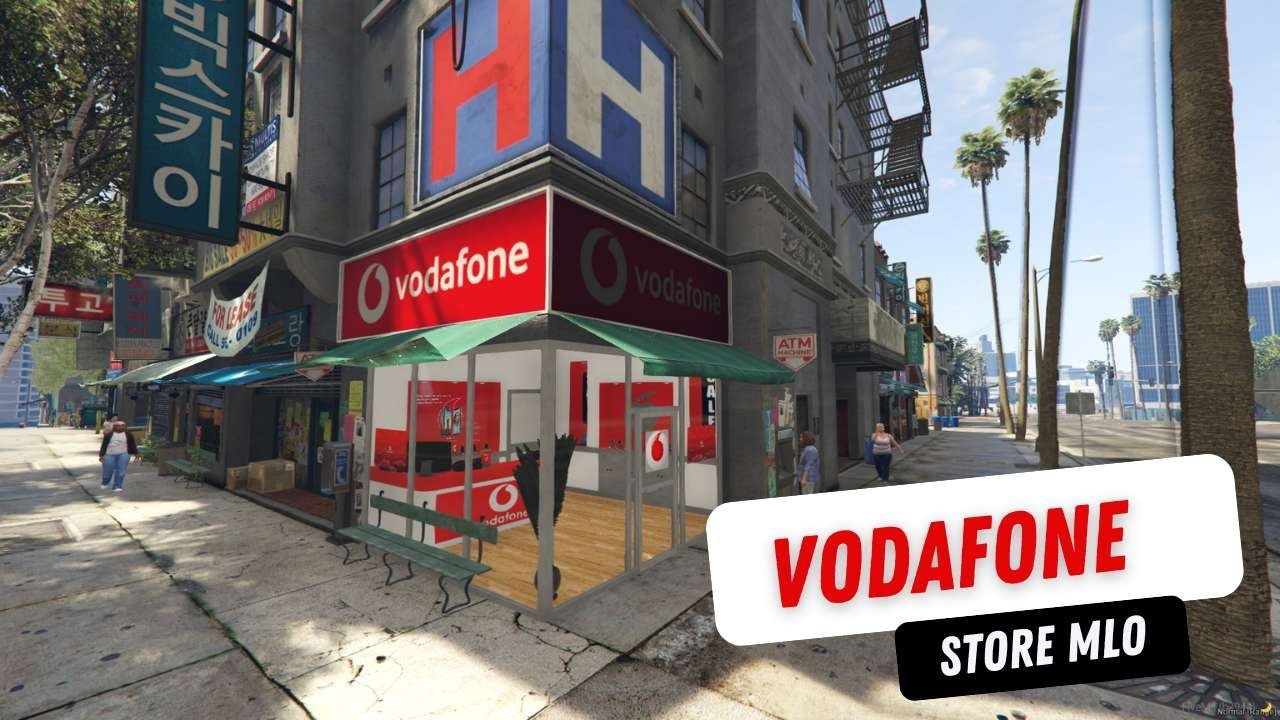
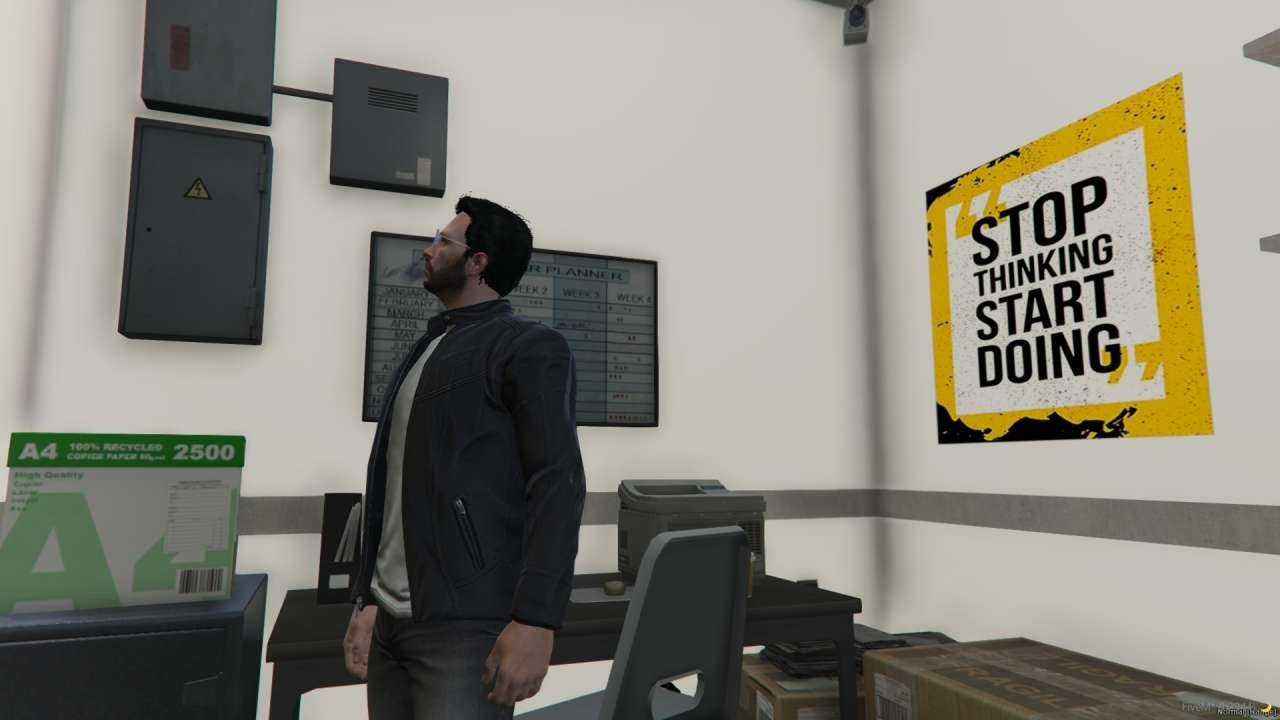
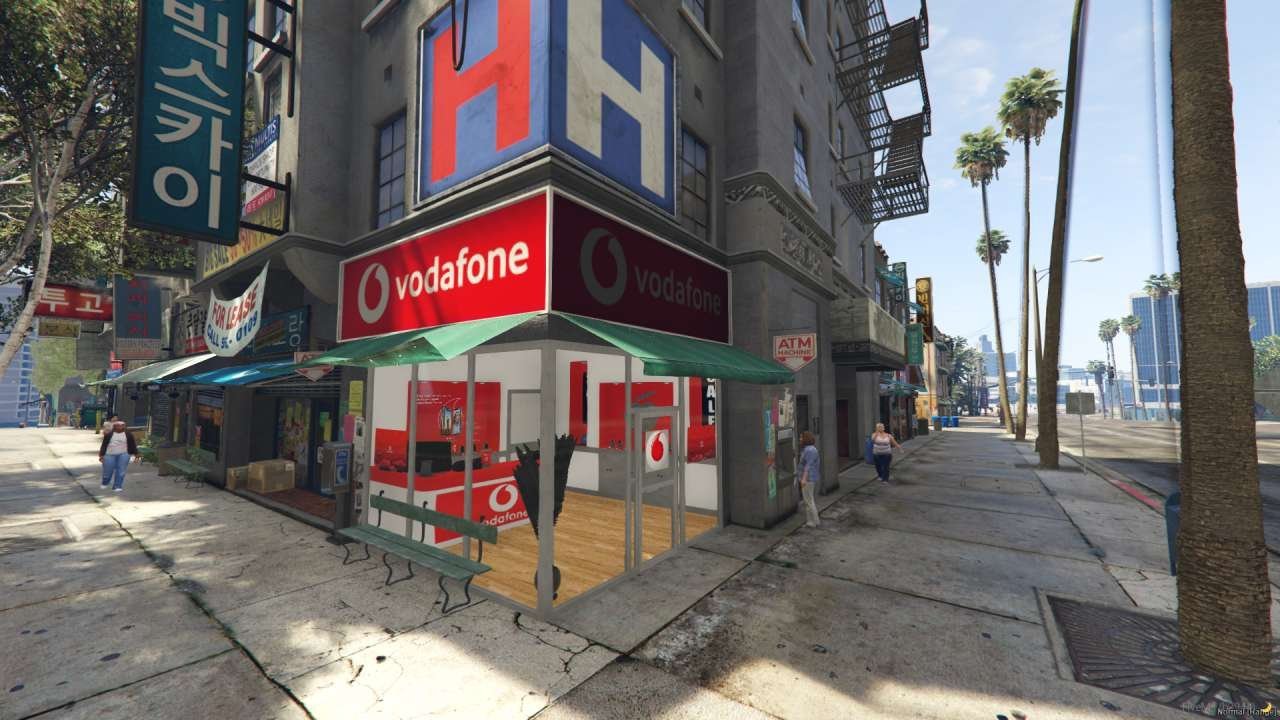
Step into the world of virtual commerce with our FiveM Vodafone Shop MLO, an exciting addition to your digital landscape. Designed with meticulous attention to detail and optimized for seamless integration, this mod is perfect for FiveM enthusiasts and MLO aficionados alike. Immerse yourself in the immersive Vodafone Shop MLO, where you can explore a variety of features tailored to your virtual needs.
From sim card purchases to Vodafone SIM services and an array of smartphones, our meticulously crafted map offers endless possibilities. With a conveniently located billing area, managing transactions is a breeze. Whether you’re looking to enhance your virtual cityscape or create a bustling commercial hub, our Vodafone Shop MLO provides the perfect backdrop for your adventures.
Elevate your FiveM experience today with our dynamic Vodafone Shop MLO and unlock a world of digital possibilities.
Features:
- Be connected: Purchase SIM cards and access Vodafone services.
- Upgrade your tech: Explore a variety of smartphones and plans.
- Seamless transactions: Manage your bills with ease in the dedicated billing area.
- Convenient location: Find the shop at V3 coordinates: -655.0063, -851.5297, 24.4982, 256.6429 (MLO).
Benefits:
- Immersive Experience: Add a realistic Vodafone Shop for a touch of real-world detail.
- Simplified Transactions: Billing area makes virtual purchases smooth and convenient.
- Enhanced Player Choice: Offer a wide variety of smartphones and services to engage players.
Installation Steps:
- Download the “vodafone-shop” file.
- Drag and drop the file into your FiveM server’s resources folder.
- Add “start vodafone-shop” (without quotes) to your server.cfg file.
- Restart your server to activate the Vodafone Shop!
Customer FAQs:
- Can I tweak the maps once I’ve installed them?
- No, modifying the maps might lead to glitches.
- Are there any specific requirements for using this MLO?
- Make sure to include the “vodafone-shop” file in your server.cfg.
- Can I get customer support while using this MLO?
- Yes, there are specific areas in the MLO dedicated to billing and customer service.
- Will this MLO work well with other FiveM mods?
- Absolutely, it’s design to seamlessly fit into your FiveM setup.
- How realistic is the virtual shopping experience?
- Expect a highly immersive and lifelike shopping environment at the Vodafone Shop for your roleplay adventures.
Need Help?
Questions about this MLO? Contact FiveM MLOs support.
New to MLOs? Read our FiveM MLO install guide.


Reviews
There are no reviews yet.