
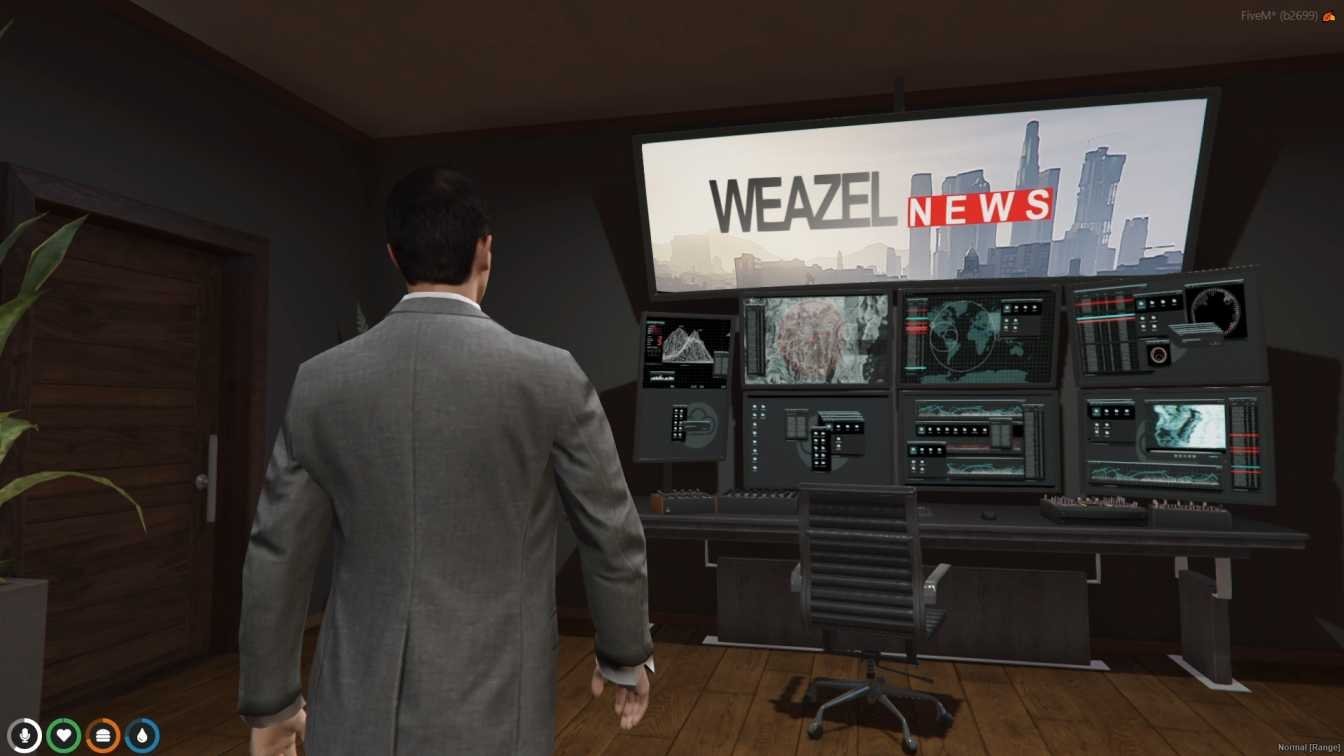
FiveM Weazel News MLO
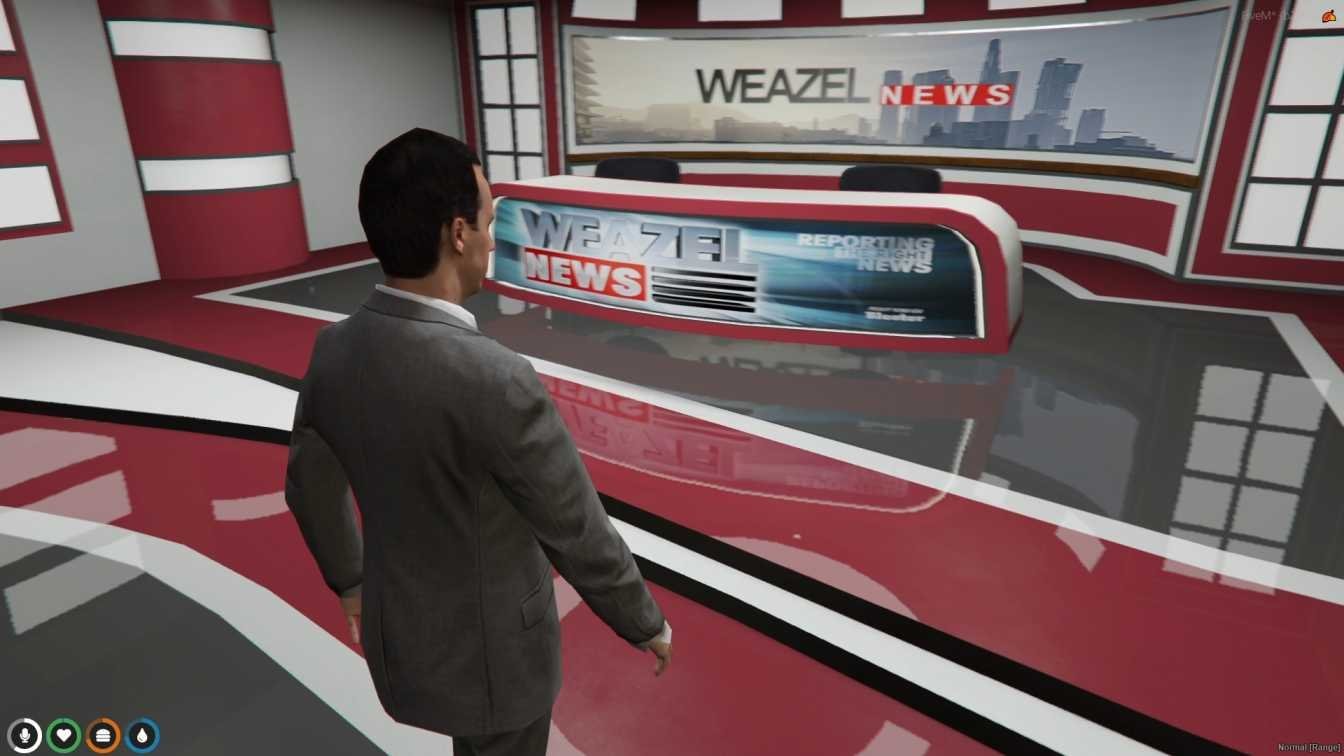
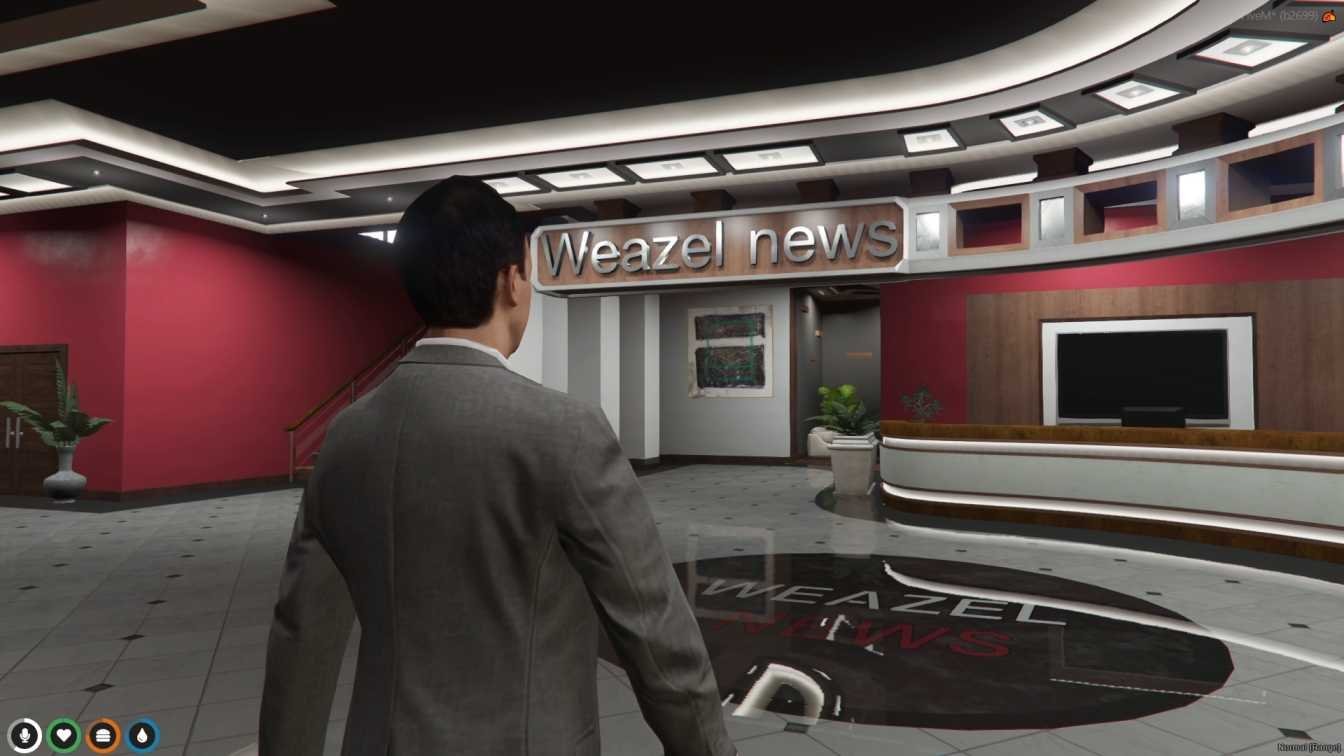
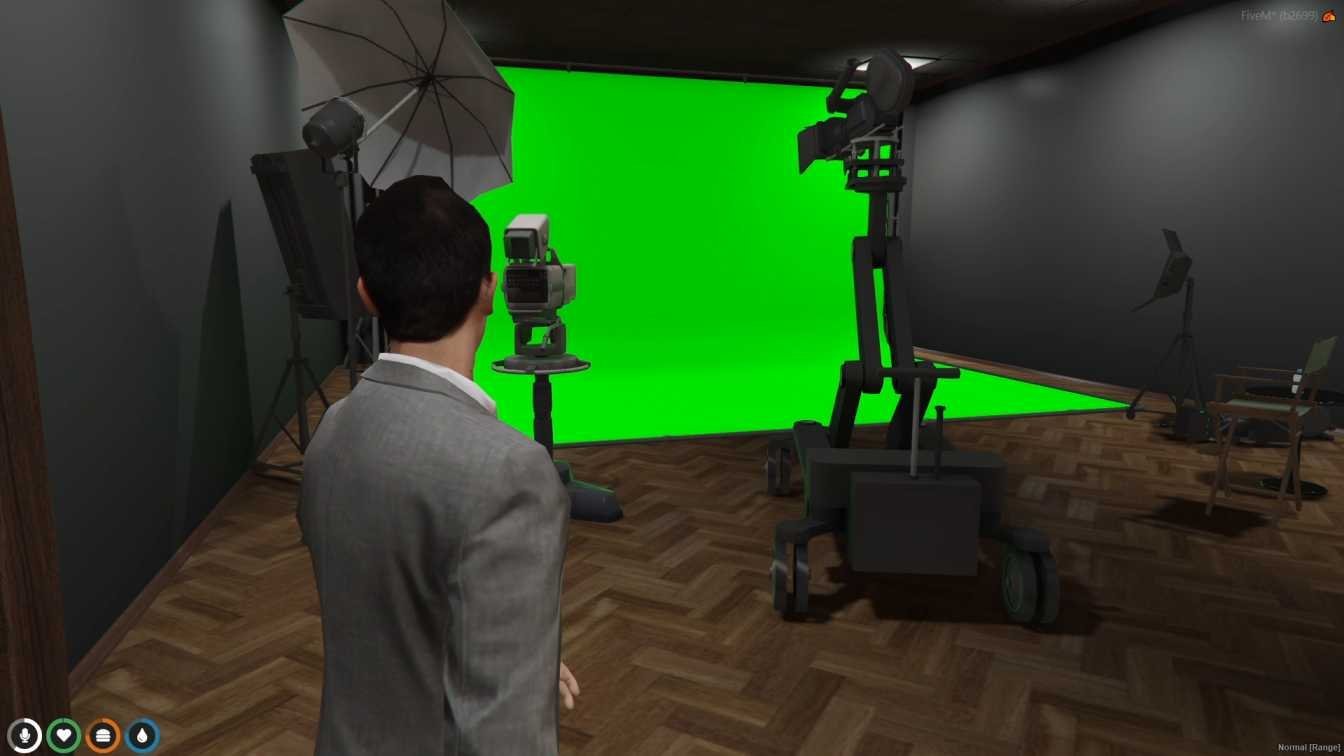
The FiveM Weazel News MLO introduces the iconic Weazel News headquarters into GTA V, offering players a dynamic and immersive media environment. This mod faithfully recreates the bustling newsroom, complete with broadcasting studios, editing suites, offices, and meeting rooms.
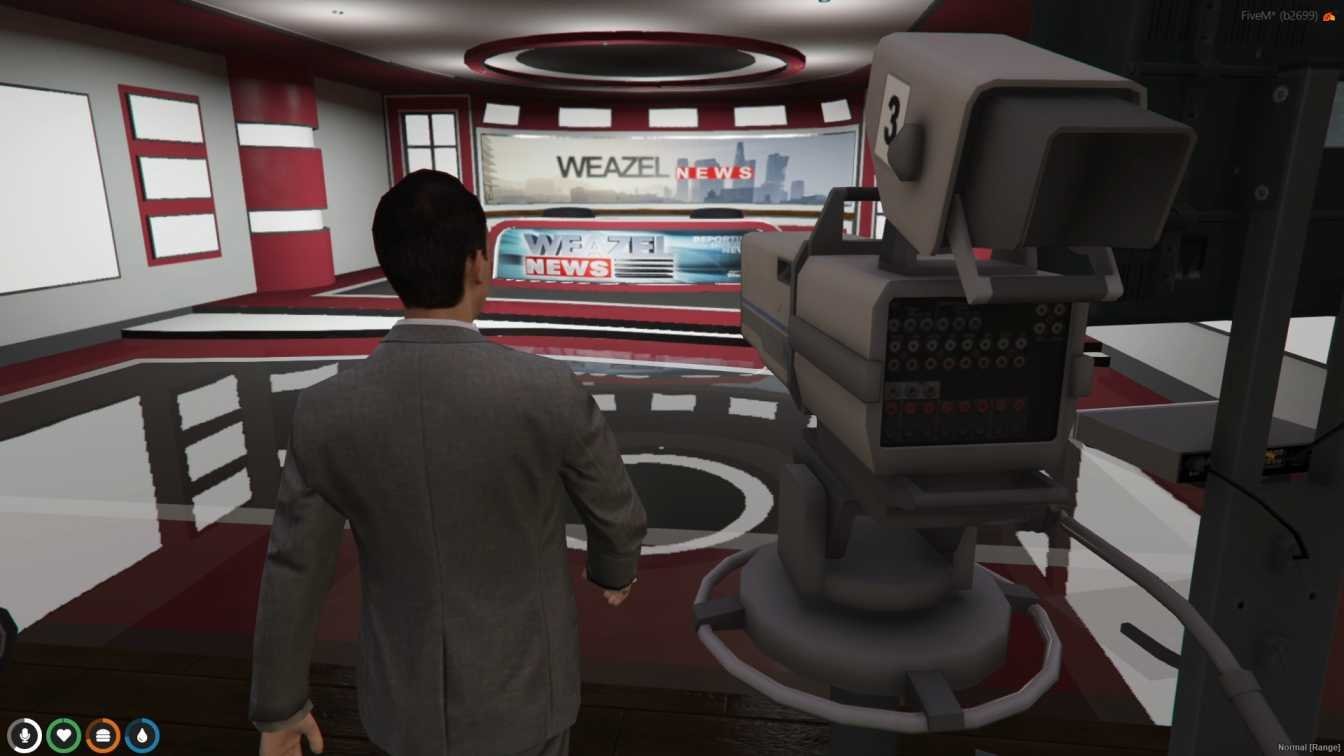
Players can explore the intricately designed interior, experiencing the hustle and bustle of a working news organization. The mod features authentic details such as news desks, cameras, monitors, and signage, enhancing the immersion and realism of the newsroom experience.
In addition to its visual appeal, the Weazel News MLO offers practical benefits for role-playing scenarios and multiplayer engagements. Whether players are reporting breaking news, hosting talk shows, or uncovering scandals, this mod provides a versatile platform for dynamic gameplay experiences.
Installation of the Weazel News MLO is straightforward, requiring players to download the mod file and add it to their FiveM server resources. With its attention to detail and immersive design, this mod promises to provide endless opportunities for players to engage in realistic media experiences within the world of GTA V.
Features
- Weazel News Headquarters: Iconic newsroom from GTA V.
- Detailed Interior: Broadcasting studios, editing suites, offices, and meeting rooms.
- Authentic Design: Includes news desks, cameras, monitors, and signage.
- Dynamic Environment: Experience the hustle and bustle of a working news organization.
- Versatile Usage: Perfect for role-playing scenarios and multiplayer engagements.
Benefits
- Immersive Gameplay: Provides a realistic media environment in GTA V.
- Role-Playing Opportunities: Host talk shows, report news, or uncover scandals.
- Community Engagement: Offers a platform for multiplayer media experiences.
- Visual Appeal: Enhances the game’s aesthetics with a detailed newsroom.
- Easy Installation: Simple process to download and add to your server.
Installation Guide
- Download Mod: Get the Weazel News MLO file.
- Backup Your Files: Keep copies of your server files.
- Extract Mod Files: Use a program to unzip them.
- Locate Your Server Folder: Find it in your server directory.
- Install Mod:
- Put the mod files into the server’s resources folder.
- Configure Server:
- Add the mod to your server settings.
- Restart Server: Restart the FiveM server so the resource loads.
Customer FAQs
- Q: Can I use this mod with other mods?
- A: It should work, but check for compatibility.
- Q: What can I do at Weazel News?
- A: You can report news, host talk shows, or role-play as a journalist.
- Q: Is this mod good for role-playing?
- A: Yes, it’s perfect for media-related role-playing scenarios.
- Q: Can I customize things inside Weazel News?
- A: Some mods allow customization. Check the mod’s features.
- Q: How do I fix issues with the mod?
- A: Contact FiveM MLOs support with the error from your server console and we will help.
Need Help?
Questions about this MLO? Contact FiveM MLOs support.
New to MLOs? Read our FiveM MLO install guide.


Reviews
There are no reviews yet.