
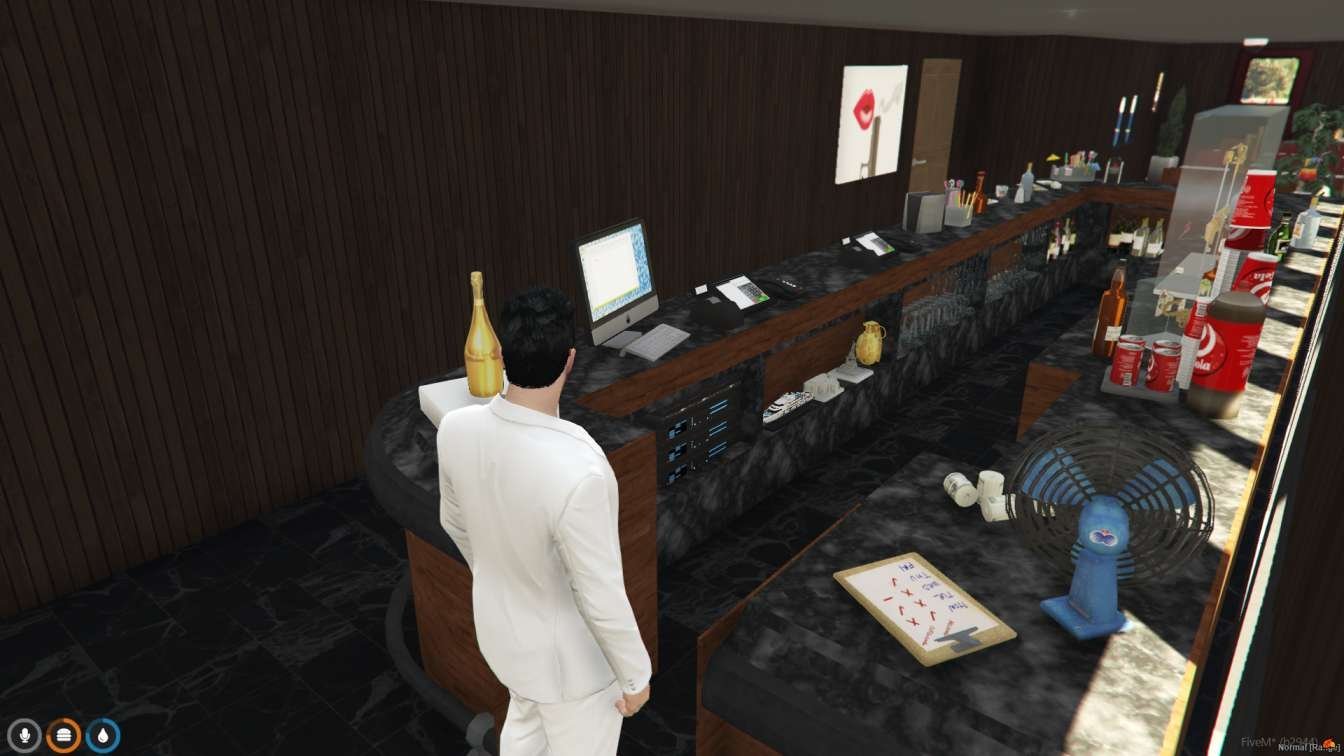
Train Diner MLO
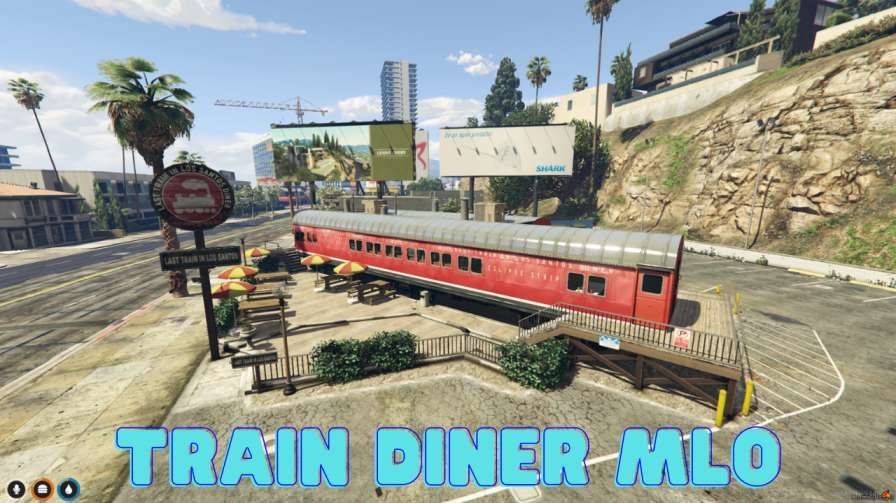
The Train Diner MLO lets you eat on a virtual train. It’s like a fancy restaurant on wheels where you can have yummy food and enjoy the scenery passing by.
Inside, you’ll find cozy booths, nice tables, and great views out the windows. You can try different tasty dishes and drinks while pretending to travel through cool places.
It looks real, so your players can enjoy dining on a train right on your FiveM server.
Features:
- Virtual Dining Experience: Enjoy dining aboard a virtual train with friends or alone.
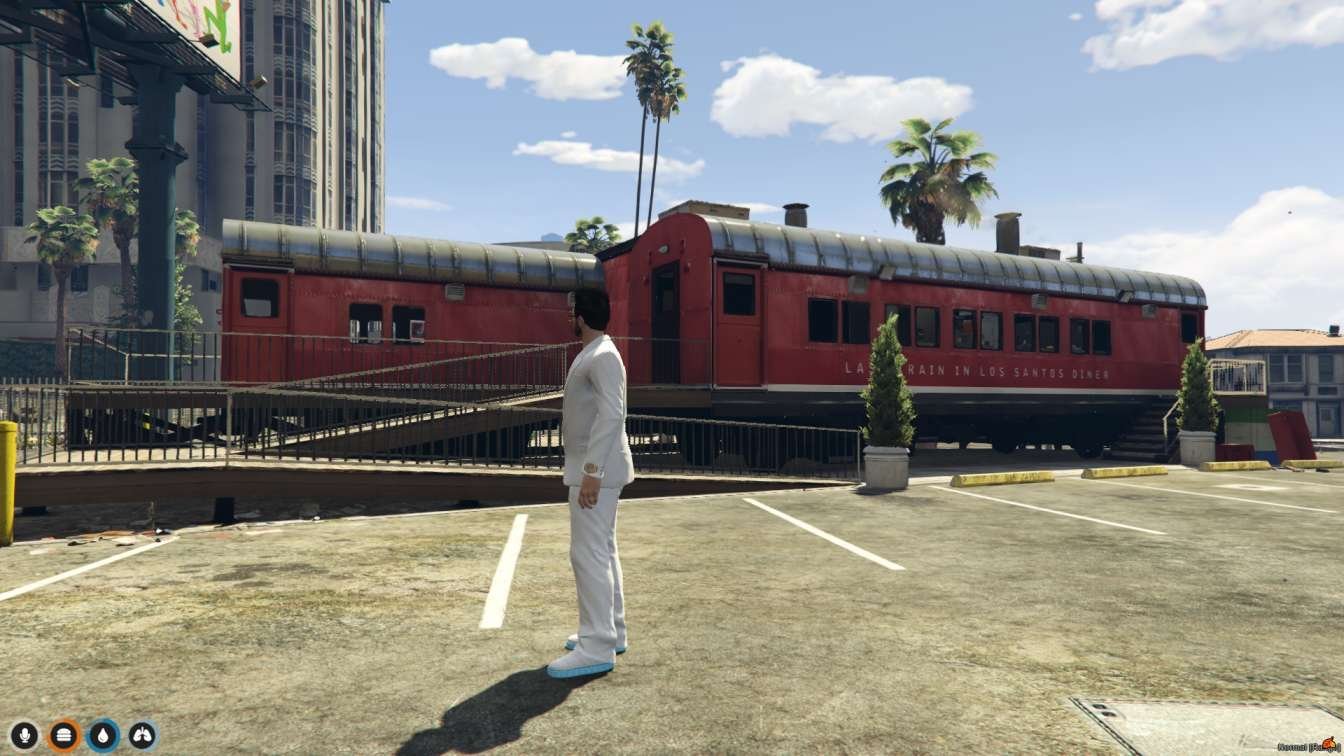
- Stylish Carriages: Explore authentic train carriages transformed into cozy dining areas.
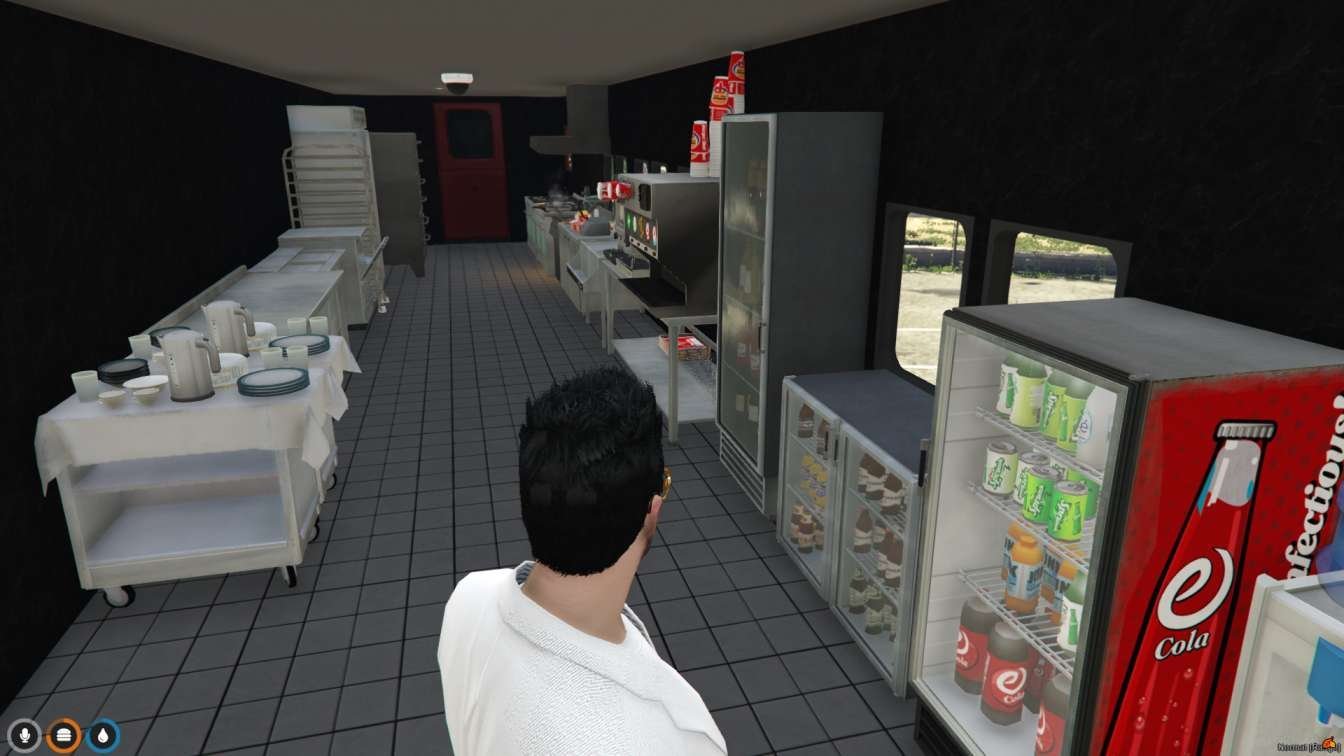
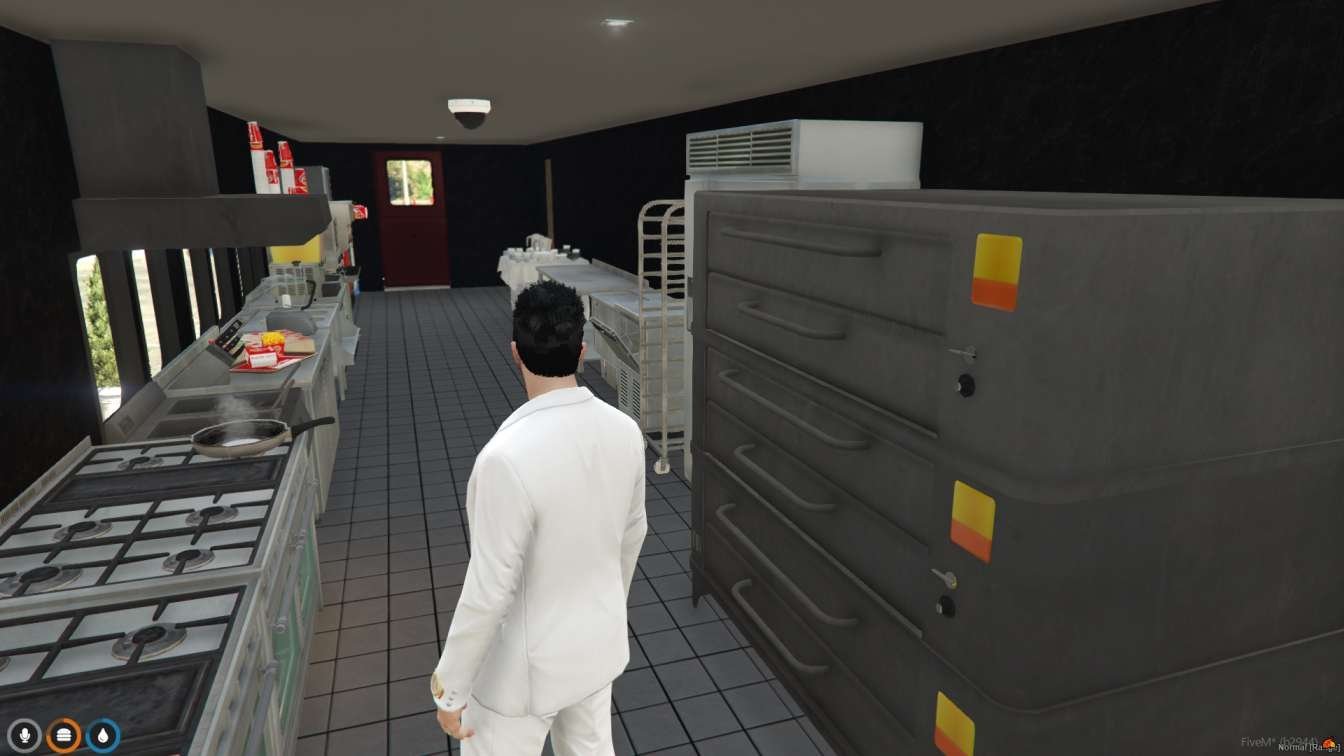
- Delicious Cuisine: Indulge in a variety of tasty dishes and beverages while enjoying the virtual scenery.
- Panoramic Views: Admire the passing landscapes through the train’s windows.
- Built for FiveM: Made for FiveM servers on PC. FiveM does not run on phones or consoles.
Benefits:
- Unique Experience: Experience the charm of dining on a train without leaving your home.
- Socialization: Socialize with friends or fellow passengers while enjoying your meal.
- Scenic Enjoyment: Immerse yourself in the virtual scenery passing by as you dine.
- Convenience: Open for dining whenever your FiveM server is online.
- Memorable Journey: Create unforgettable memories dining aboard a virtual train.
Installation Guide:
- Download: Buy Train Diner MLO from FiveM MLOs and download the files right after checkout.
- Setup: Unzip the files into your server’s resources folder and add an ensure line for it in server.cfg.
- Launch: Open the MLO and enter the virtual train diner.
- Explore: Familiarize yourself with the dining areas and available menu options.
- Enjoy: Sit back, relax, and enjoy your virtual dining experience aboard the train.
Customer FAQs:
- How do I download Train Diner MLO?
- Buy Train Diner MLO here on FiveM MLOs and download the files right after checkout.
- What kinds of dishes can I expect on the menu?
- The menu offers a variety of delicious dishes and beverages for you to enjoy.
- Can I dine alone or with friends in the virtual train diner?
- Yes, you can choose to dine alone or invite friends to join you in the virtual dining experience.
- Are there any special events or activities on the train?
- Depending on the server settings or MLO specifications, there may be special events or activities available.
- Is the Train Diner MLO accessible on mobile devices?
- No. FiveM runs on PC only, so Train Diner MLO needs a PC FiveM server and client. It does not work on phones, tablets or consoles.
Need Help?
Questions about this MLO? Contact FiveM MLOs support.
New to MLOs? Read our FiveM MLO install guide.


Reviews
There are no reviews yet.